This is the fifth in a x part series about Meteor for beginners.
- Part One – Leaderboard: Add a button to change sort order
- Part Two – Leaderboard: Add a button to randomise players’ scores
- Part Three – Leaderboard: Add and remove scientists from the leaderboard
- Part Four – Todos: Make urls friendly
- Part Five – Todos: Add a button to remove all items (this post)
Exercise 2: Add a Remove all items button
As usual, let’s add the button to the html first. I’m gonna stick it in the top frame next to the list of tags cos I can’t think of anywhere better to put it.
<template name="tag_filter">
  <div id="tag-filter" class="tag-list">
    <div class="label">Show:</div>
    {{#each tags}}
      <div class="tag {{selected}}">
        {{tag_text}} <span class="count">({{count}})</span>
      </div>
    {{/each}}
    <div class="label">
        <input type="button" class="clear-items" value="Clear all items" />
    </div>
  </div>
</template>
And now the code to handle the button click event:
Template.tag_filter.events = {
  'mousedown .tag': function () {
    if (Session.equals('tag_filter', this.tag))
      Session.set('tag_filter', null);
    else
      Session.set('tag_filter', this.tag);
  },
  'click .clear-items': function() {
    if (confirm('Are you sure you want to remove all todo items from the current list? This action cannot be undone.')) {
      var list_id = Session.get('list_id');
      if (!list_id)
        return;

      Todos.remove({list_id: list_id});
    }
  }
};
Easy!
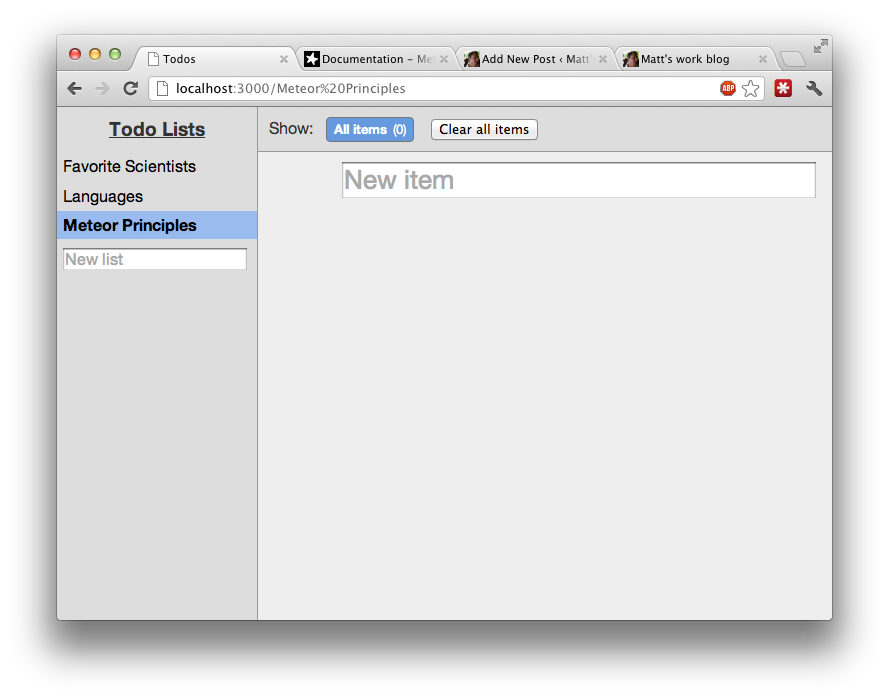
See the code on github.
 Matt's work blog