An architect at my current client insisted that we rename our Azure Service Bus topic from property-changed to property/changed/v1, to align with some naming convention.
Unfortunately, Bicep doesn’t like forward slashes / in names. And neither does the Azure portal. If you create a new topic named say matt/test in the Azure Portal, Azure will give it the name matt~test.
So, that’s how you do it in Bicep too – replace / with ~, like so:
resource serviceBus 'Microsoft.ServiceBus/namespaces@2021-11-01' existing = {
  name: serviceBusName
}

resource topic 'Microsoft.ServiceBus/namespaces/topics@2022-10-01-preview' = {
  parent: serviceBus
  name: property~changed~v1
  properties: {
  }
}
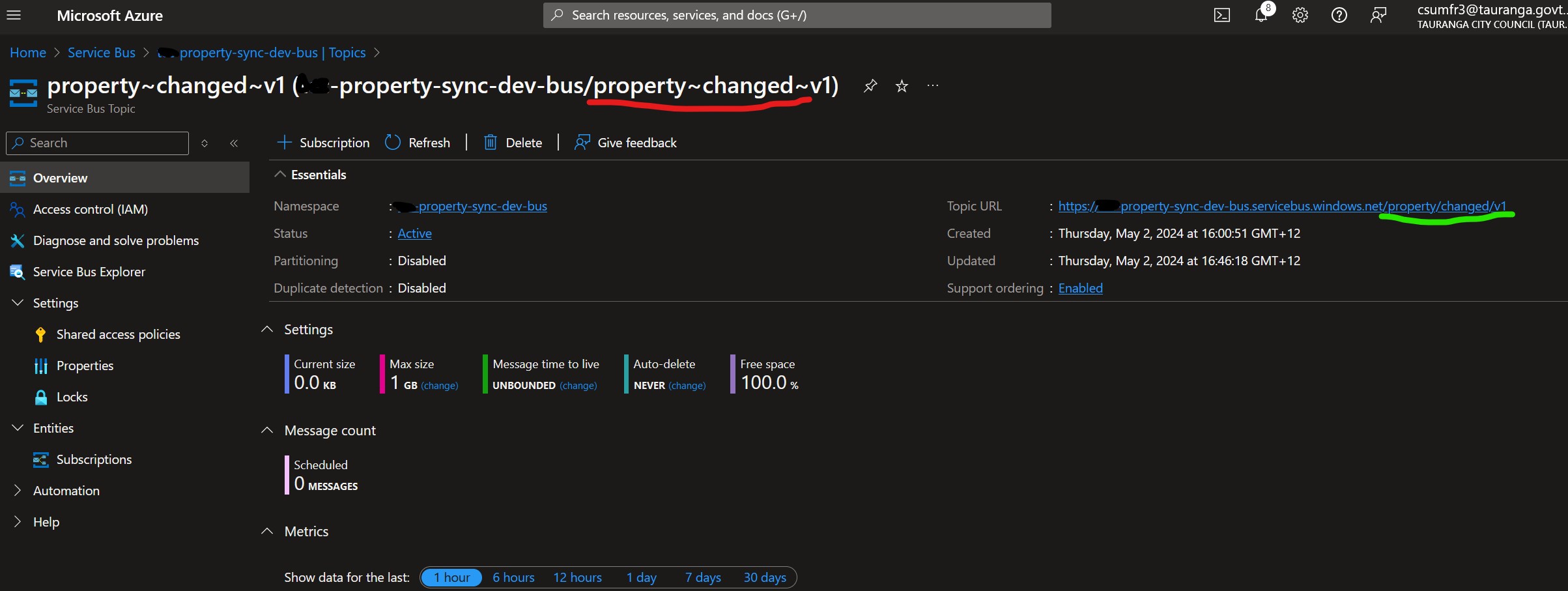
Unfortunately, this looks odd in the Azure portal, but we can see that it does have the correct URL with slashes:
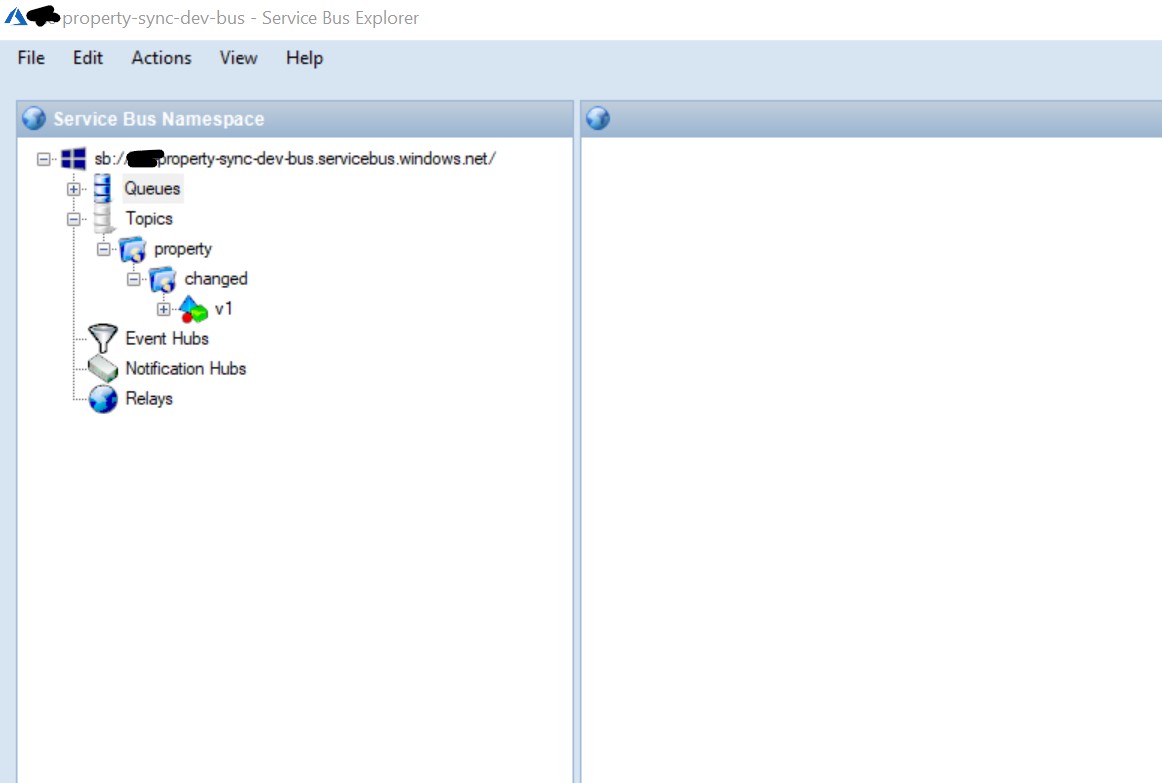
And ServiceBusExplorer.exe helpfully renders it as a folder structure:
 Matt's work blog